
The spreadsheet, shelf by shelf
Pull from sixteen shelves, note the seller as you go, and the rest of the pipeline gets shorter.
Home › Spreadsheet

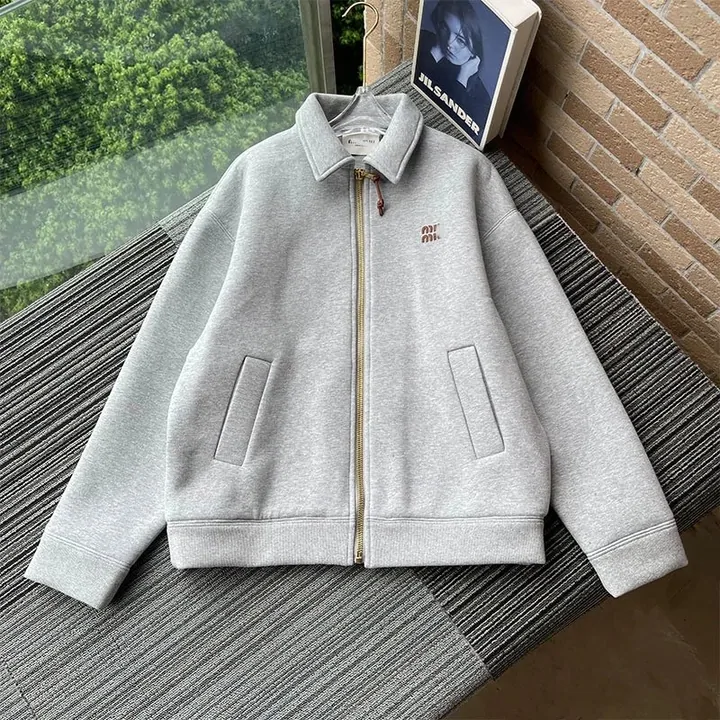
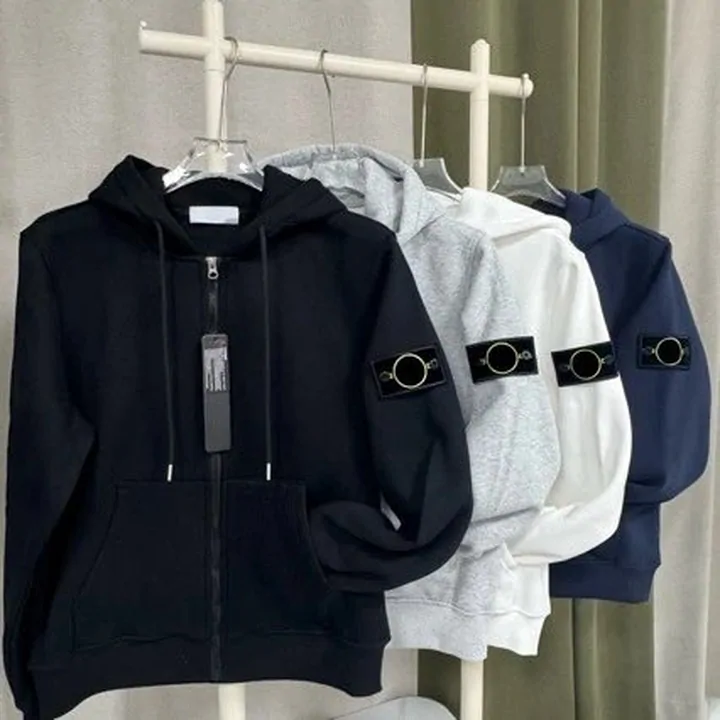
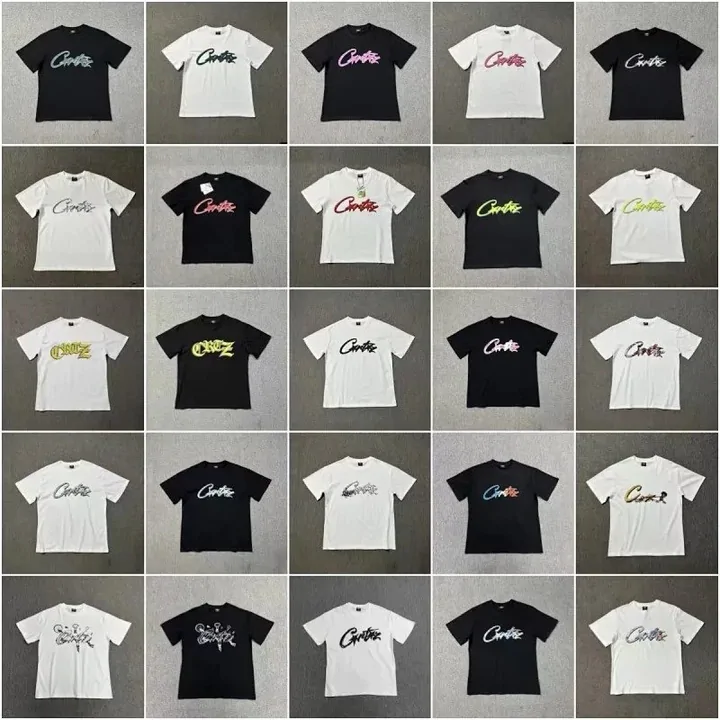
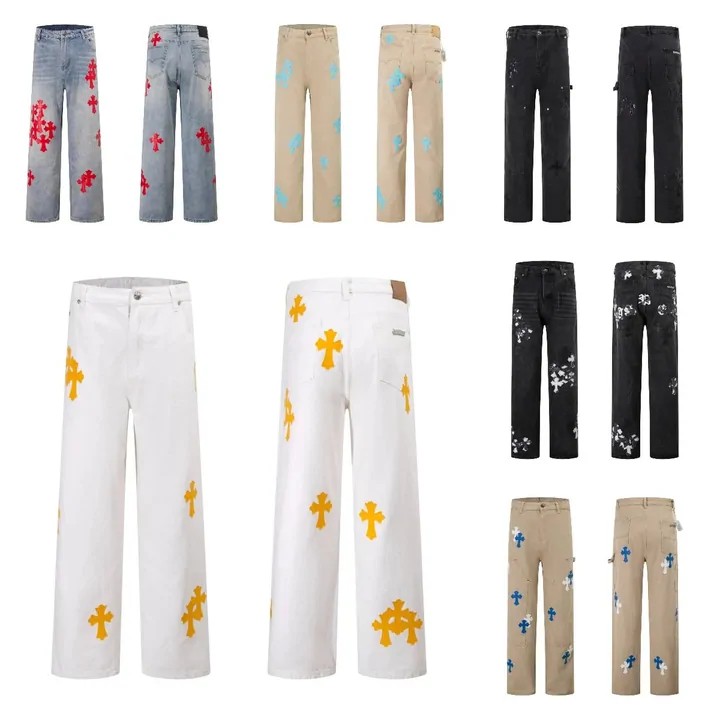


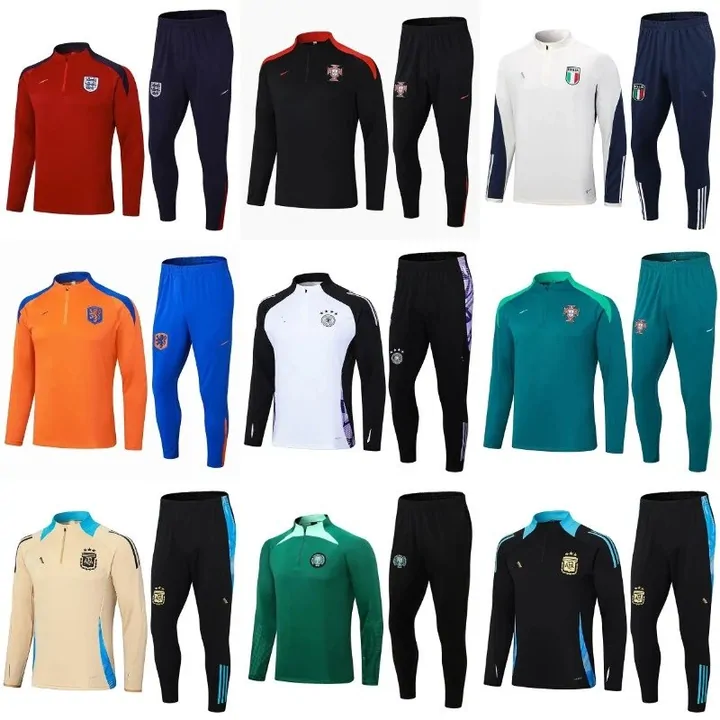


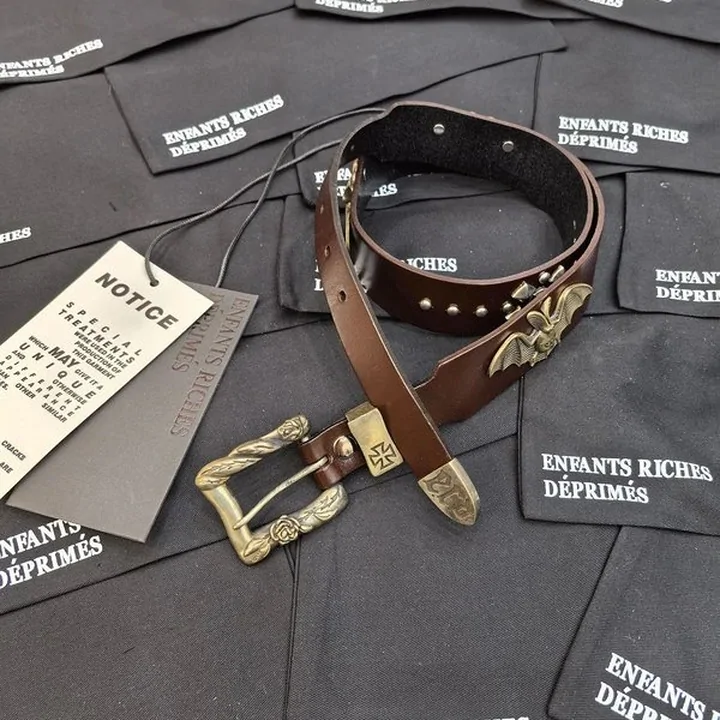



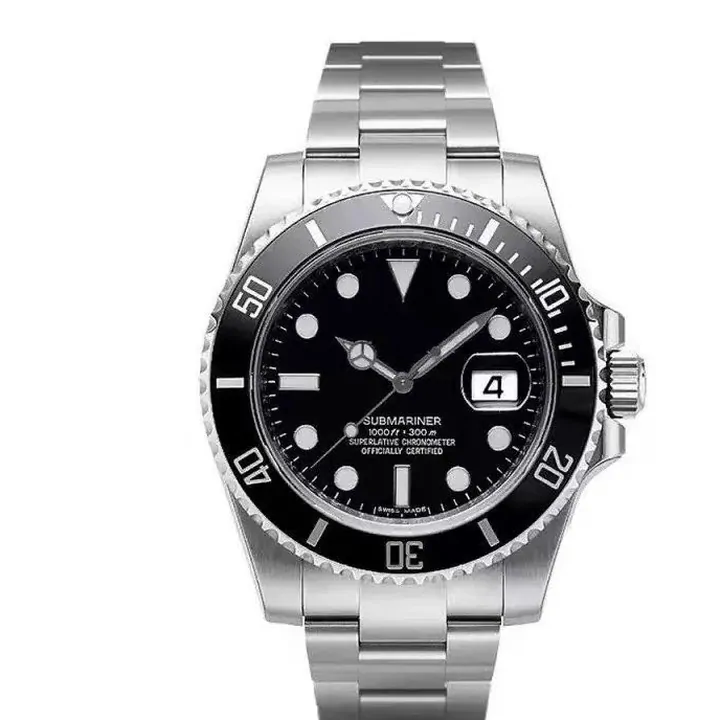

Judging a card before its link joins your pile
How to judge a listing from its card, in three habits:
- The photo set beats the title. Open the card and count angles: a listing that shows stitching, sole and size tag survives an inspection photo round much more often than a single glamour shot.
- Check the price basis. Catalogue prices are the store's own figure converted for display; the agent later charges the store price plus domestic freight, so treat the card as a pointer, never a quote.
- Note the seller while the page is open. You will group by seller later anyway; writing the shop name next to the saved link saves one whole pass.
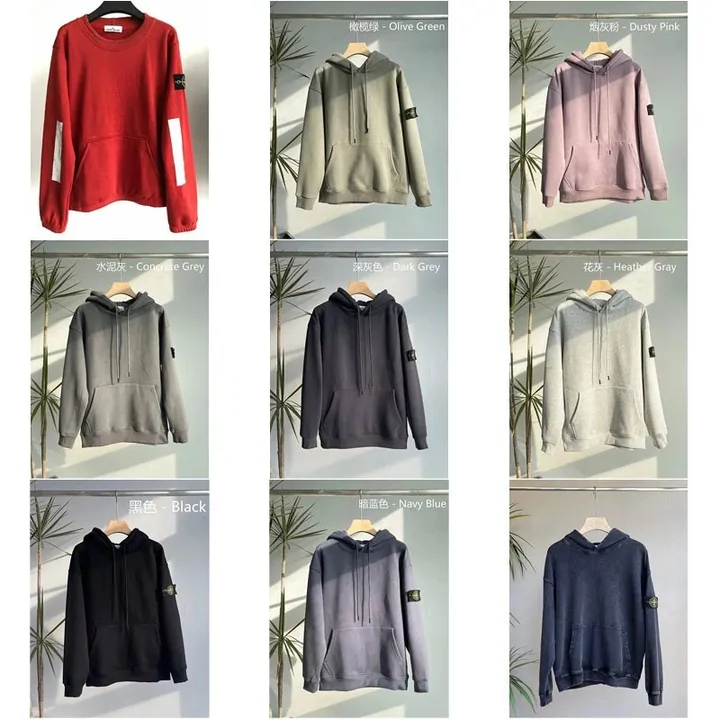
Shelf labels lie occasionally, photos never do
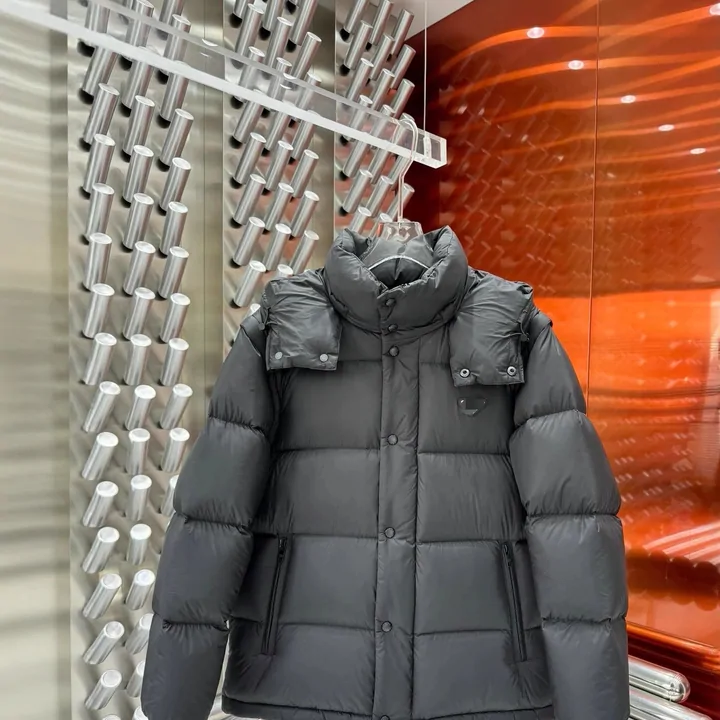
Any big catalogue carries a few near-misses: a padded jacket filed under womenswear, a bag photographed so tight it reads as a belt. We hit several while picking the card images for this site and threw the misfits out by eye. Do the same with your own pile: before a link goes in, make the photo say what the label claims. A ten-second look saves a wrong-category purchase that no refund flow enjoys unwinding.
Next on this site
Batch guide - turn the saved pile into submitted orders
QC and shipping - what the warehouse does once orders land